v 1.2.0 Offline by design · Android

Fully offline. No AI.
100% on your phone.

Finacy never connects to your bank. You add your monthly statements yourself, and everything stays on your phone — no AI, no internet required. Full offline security.

No bank login No account, no cloud Locked with your phone
The case

Spreadsheets get messy.
Bank-linked apps see too much.

Linking a finance app to your bank means handing your password to another company and trusting them to keep it safe. Finacy takes a different route.

The usual way

You hand your bank password to another company so it can pull your transactions in the background — every day, around the clock.

Your money information travels through other companies' computers you'll never see.

With Finacy

You download your monthly statement from your bank — the same file you've always been able to download — and open it in Finacy. That's it.

No password shared. No connection. Nothing leaves your phone.

Features

Everything you need, nothing you don't.

Built to read the statements you give it, sort them automatically, and answer the questions that actually matter — without ever sending anything online.

Build your own reports

Your own little analytics studio, in your pocket.

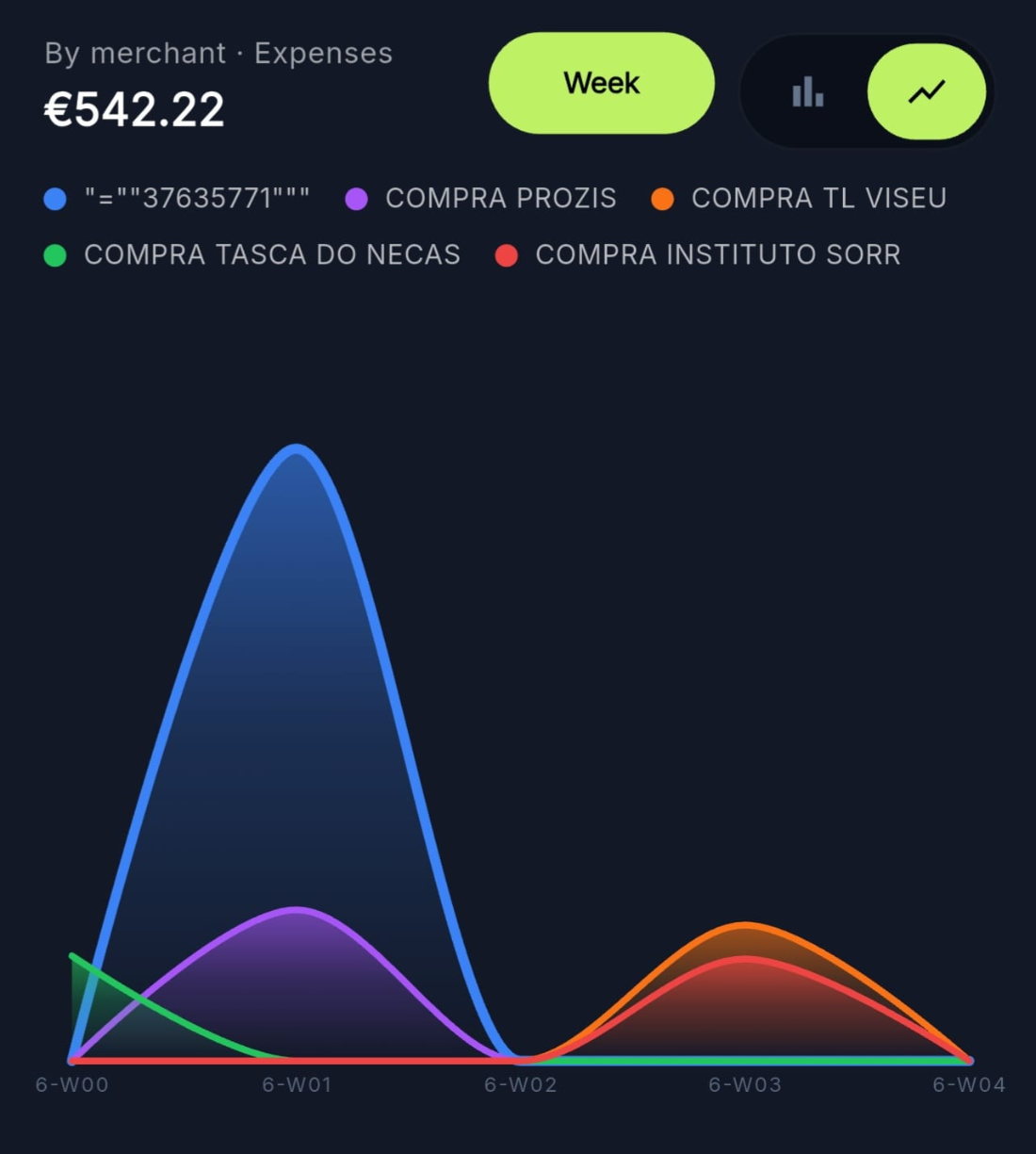
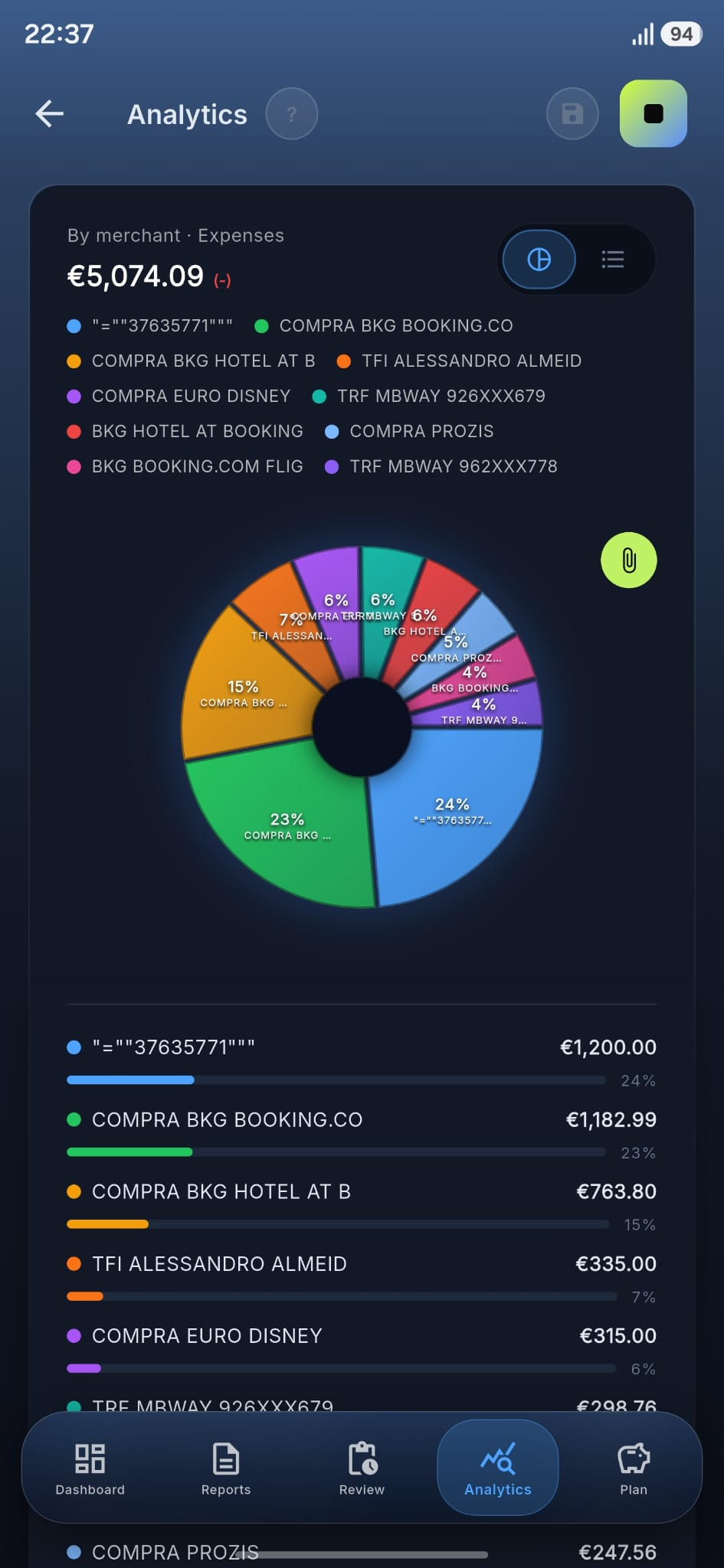
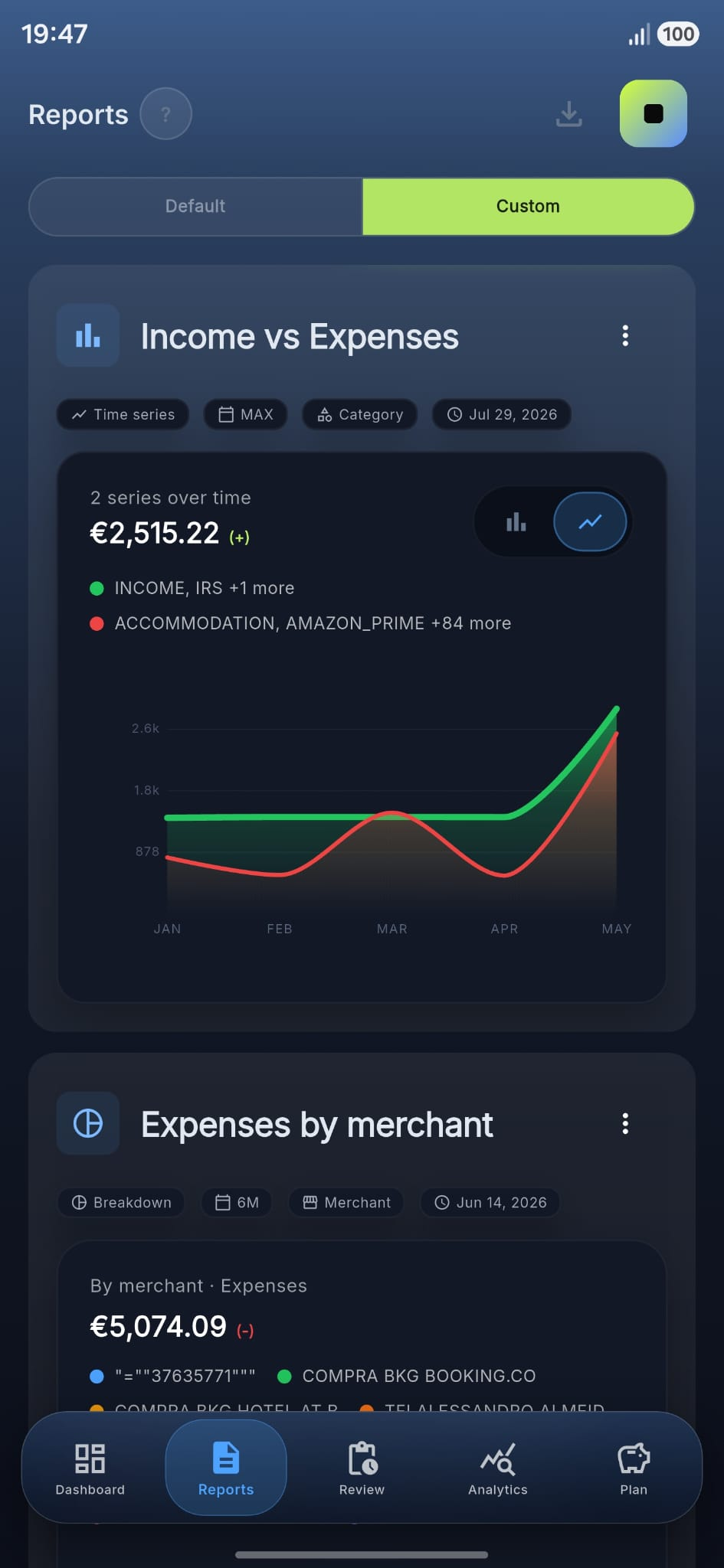
Pick a chart type, choose what to group by, pick the measure, set the date range — Finacy redraws the chart for you. It's a tiny analytics workbench in your pocket, so you can answer the questions other finance apps don't even ask.

Time series · Breakdown Group by category or merchant Expenses · Income · Net 1M · 3M · 6M · 1Y · YTD · MAX

Add your own statements

Download a statement from your bank's website yourself and open it in Finacy — a CSV or a PDF both work. The app figures out the columns for you, and reads the tables straight out of a PDF; your bank password never touches the app.

Auto-Assign

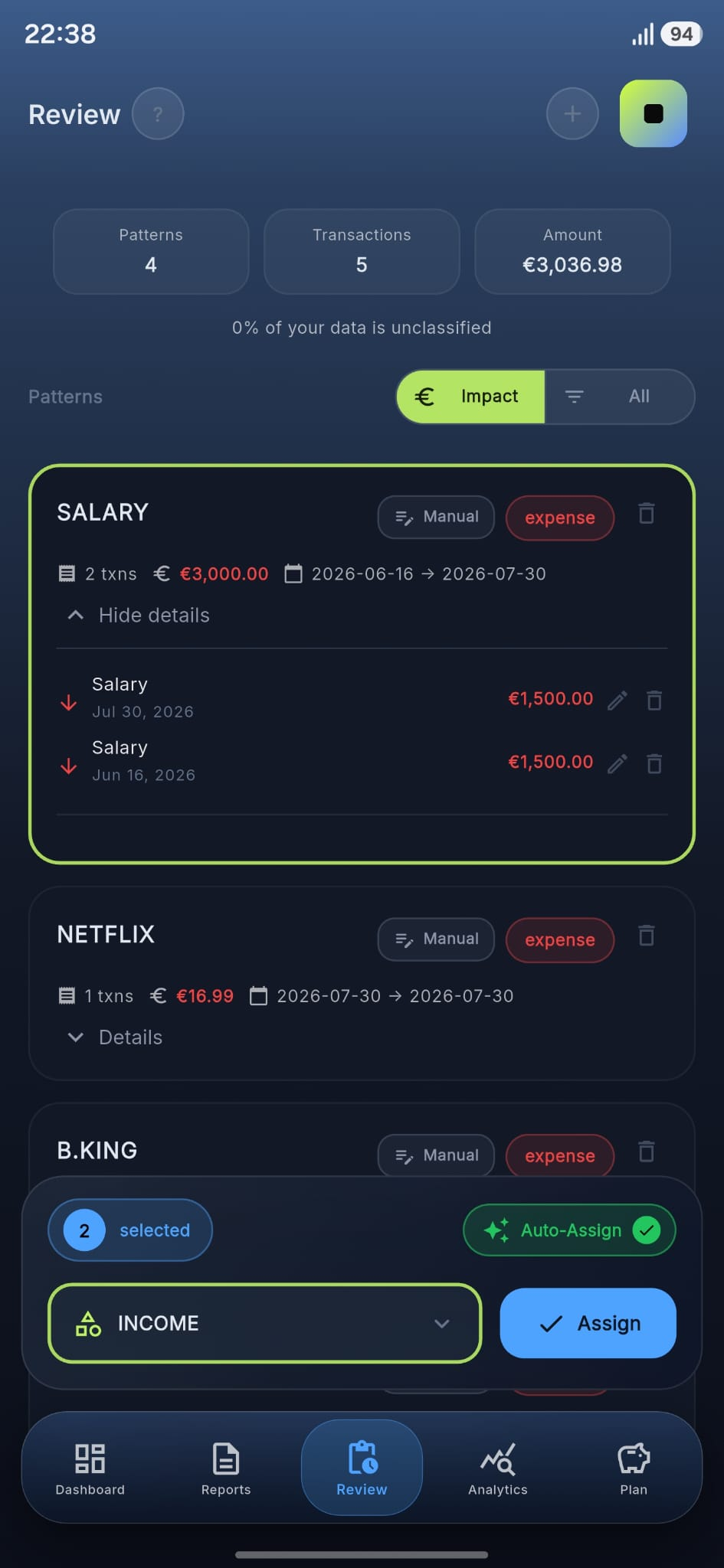
Tell Finacy once to categorize "Lufthansa" as "Travel" — and from then on every flight files itself in the right place.

Clear insights

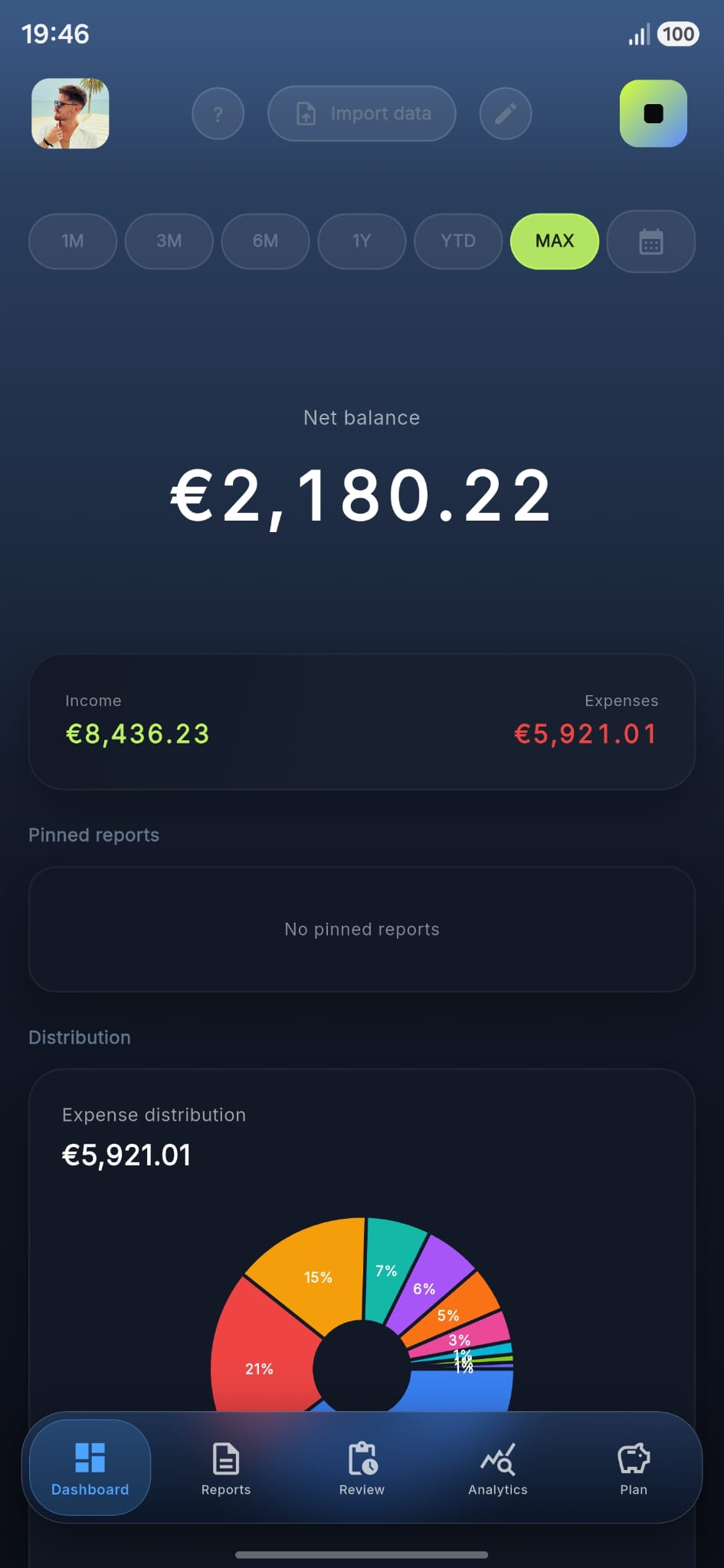
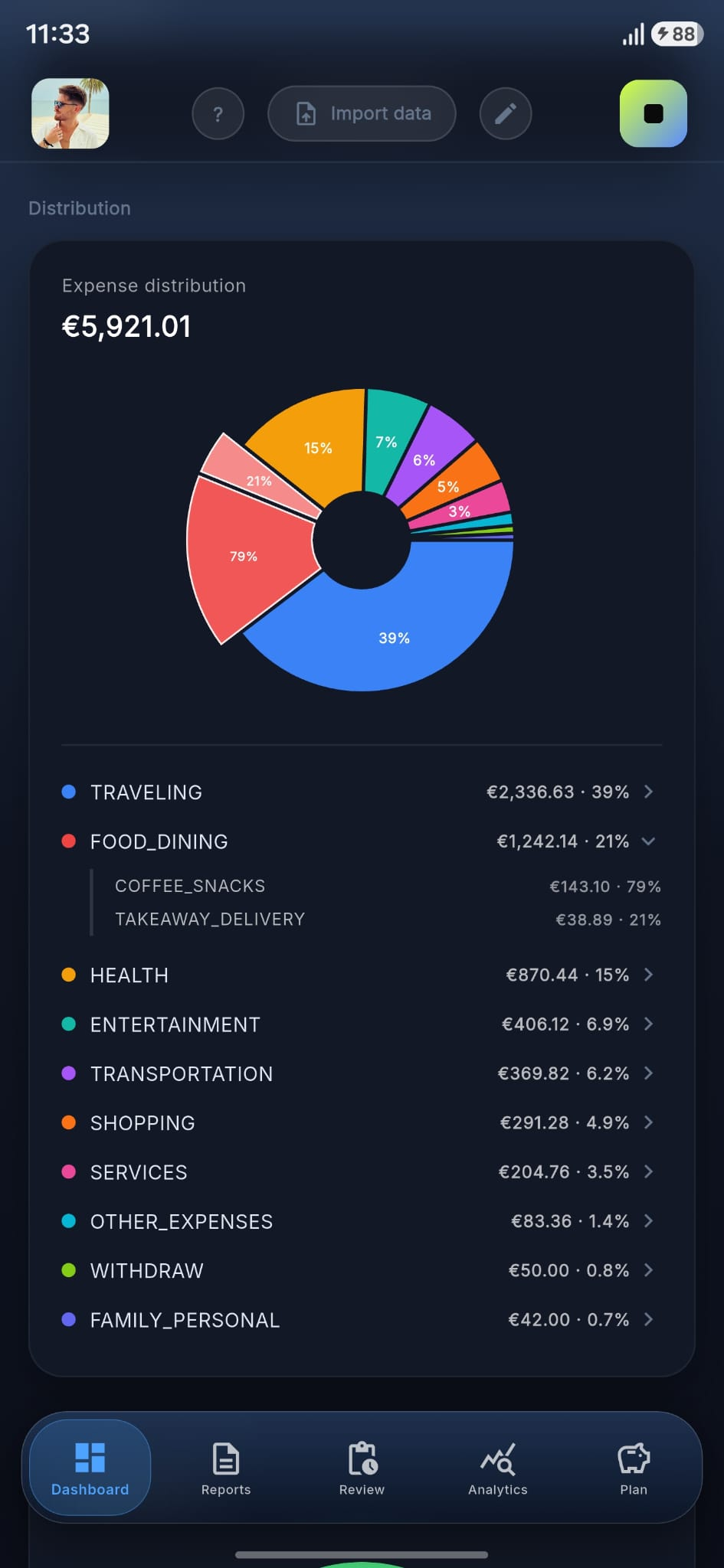
Where your money goes and how this month compares to the last. All worked out right on your phone.

Budget planning

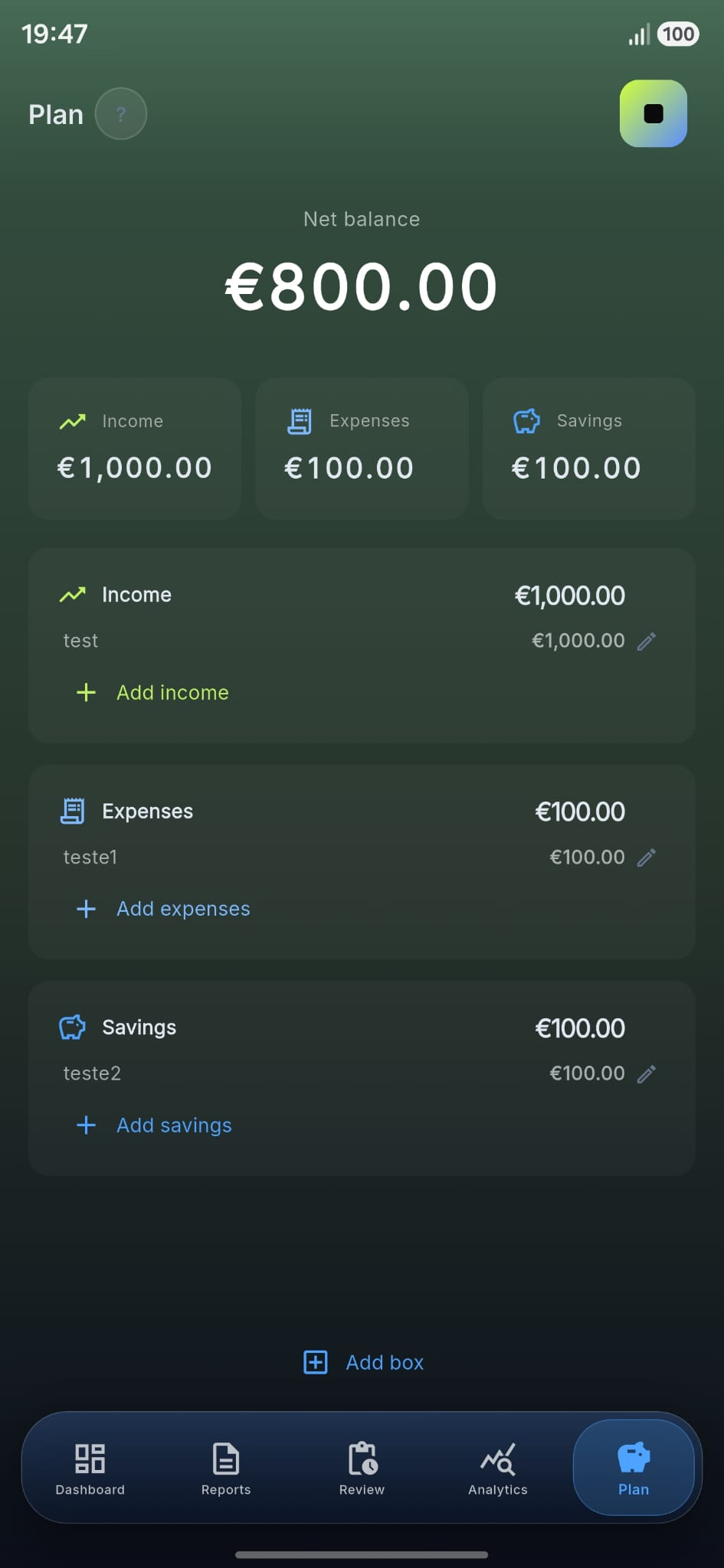
Pin income, expense and savings lines. Finacy shows you the runway before the month begins.

Multiple profiles

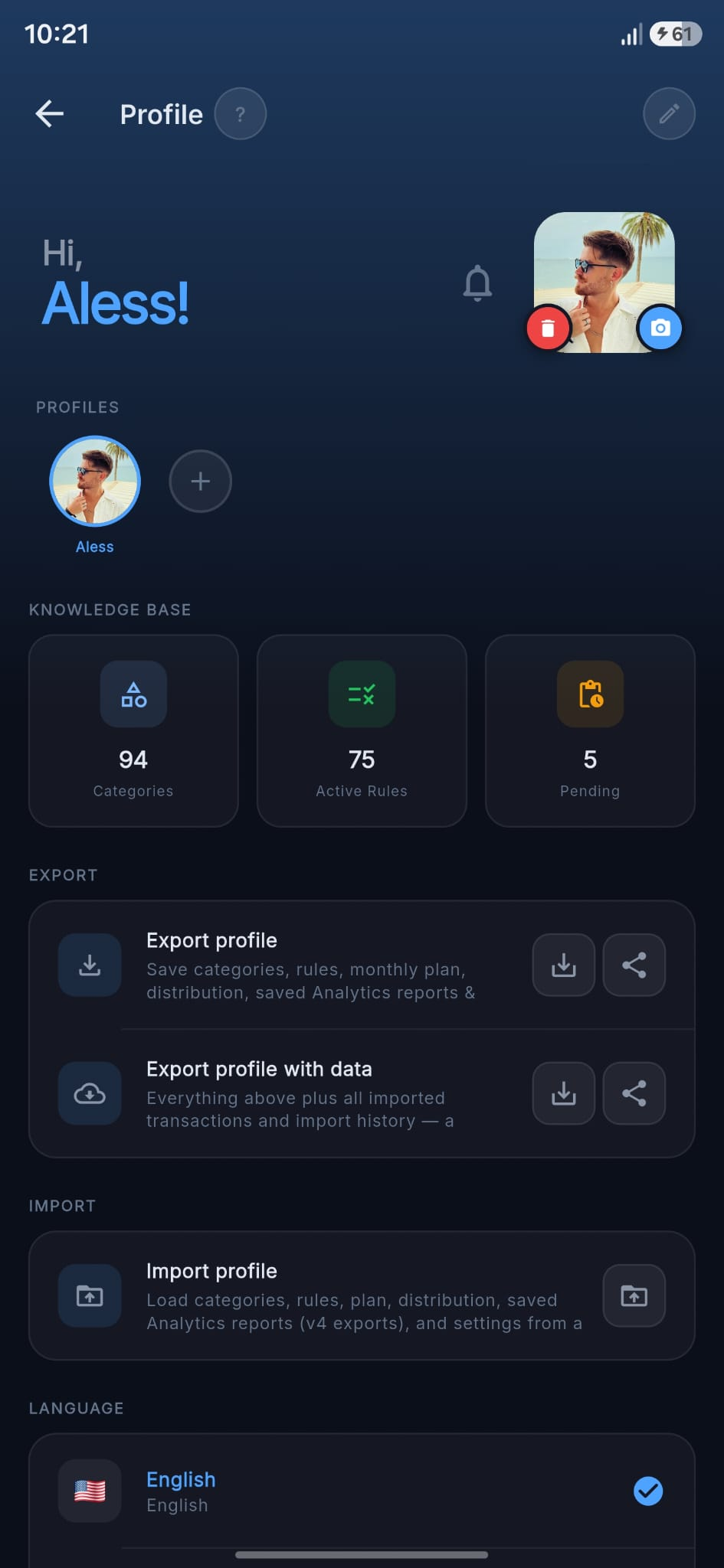
Keep separate profiles for yourself, a partner or a side business — each with its own accounts, banks and history, all on one phone.

Locked with your phone

Your records stay inside Finacy on your phone, opened by the same PIN, pattern, fingerprint or face that unlocks the device. No extra password to remember.
Privacy model

The shortest path between
you and your money.

Most finance apps sit between you and your bank, quietly pulling your transactions through services you'll never see. Finacy doesn't. The picture on the right is the whole story.

  • No bank connection.

    We never see, store, or pass on your bank password — because we never ask for it.

  • Only on your phone.

    Your transactions, categories and rules live inside Finacy on your phone. Nothing uploads in the background. Nothing is tracked.

  • Secured by your phone lock.

    Your data is kept safe by your phone's built-in protection, and only opens with your PIN, pattern, fingerprint or face.

  • Backups stay yours.

    Save a protected backup to your phone whenever you like. Nothing is uploaded for you.

Tour

A real app, not a dashboard demo.

Designed for thumbs, charts that say something, and a classify flow that respects your time.

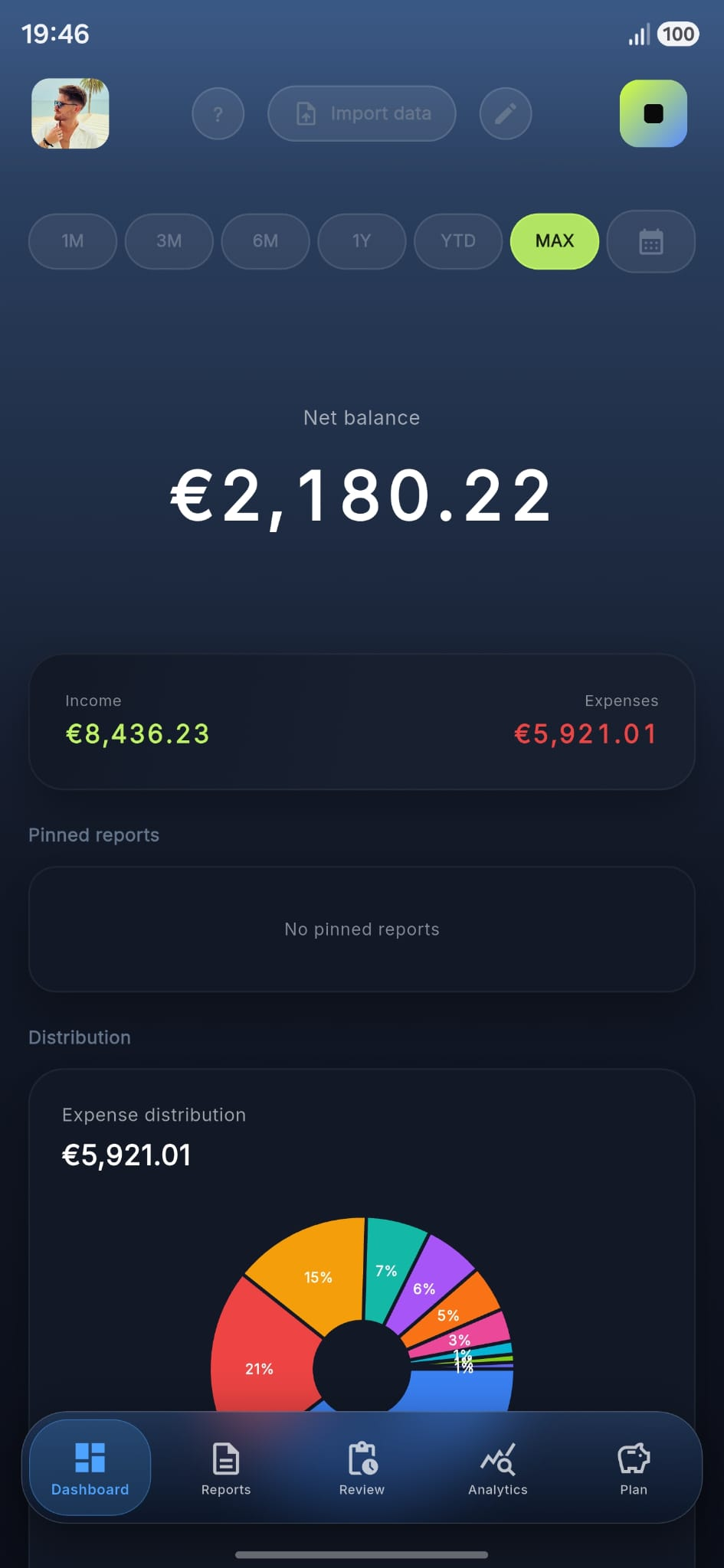
01 · Dashboard
How it works

Three steps. No bank links.

No logging in to your bank from the app, no other company pulling your statements at night, no quiet uploading in the background. You bring the file — Finacy reads it.

Add your statement

You download your monthly statement from your bank yourself and open it in Finacy. No password, no connection.

statement-may

Sort it on your phone

You categorize each transaction yourself — and if you want, set a rule once so future transactions like it are sorted automatically. All right there on your phone.

Lufthansa→ Travel
Lidl→ Groceries
Spotify→ Subs

Analyze in private

Read the charts, set a budget, look ahead at your savings. Your records never leave the phone.

Supported banks

Tuned for your bank's statements.

Finacy reads most bank statement files, but these are the banks we've already polished the experience for. More on the way as founders join.

R
Revolut CSVPDF
Statement download · multi-currency
Live
CGD
Caixa Geral de Depósitos CSVPDF
Statement download · Caixadirecta
Live
CA
Crédito Agrícola CSV
Statement download · CA Online
Live
S
Santander PDF
Statement download · NetBanco
Live
BCP
Millennium BCP CSVPDF
Statement download · Millennium
Live
NB
Novobanco
Help us build it · Apply to Founders Program
Help wanted
BPI
Banco BPI
Help us build it · Apply to Founders Program
Help wanted
Bk
Bankinter
Help us build it · Apply to Founders Program
Help wanted
AB
ActivoBank
Help us build it · Apply to Founders Program
Help wanted
CTT
Banco CTT
Help us build it · Apply to Founders Program
Help wanted
M
Montepio
Help us build it · Apply to Founders Program
Help wanted
Founders program

Bank not on the list? Help us add it — and get Finacy free, forever.

Send us your bank's name and a sample statement file, and we'll make sure it works smoothly. The first batch of supporters get Finacy free for life — no asterisks.

  • Lifetime Premium, free
  • Direct line to the build
  • Your bank prioritised next

We'll reply within a week. No newsletter, no resale.

Pricing

Free to start. Premium when you're ready.

Every paid tier unlocks the same Premium feature set. Choose how you want to pay.

Monthly
€2.49/ month

Billed monthly. Cancel anytime, no questions.

Start monthly
  • All Premium features
  • Unlimited rules & categories
Lifetime
€49.99once

One payment. Keep Premium forever.

Buy lifetime
  • All current & future Premium
  • One-time payment, no renewals
  • Transferable across devices
Free forever includes: Statement import, manual & rule-based sorting, basic monthly insights. Upgrade only when you want the full set of insights.